Linking Station with Bukku
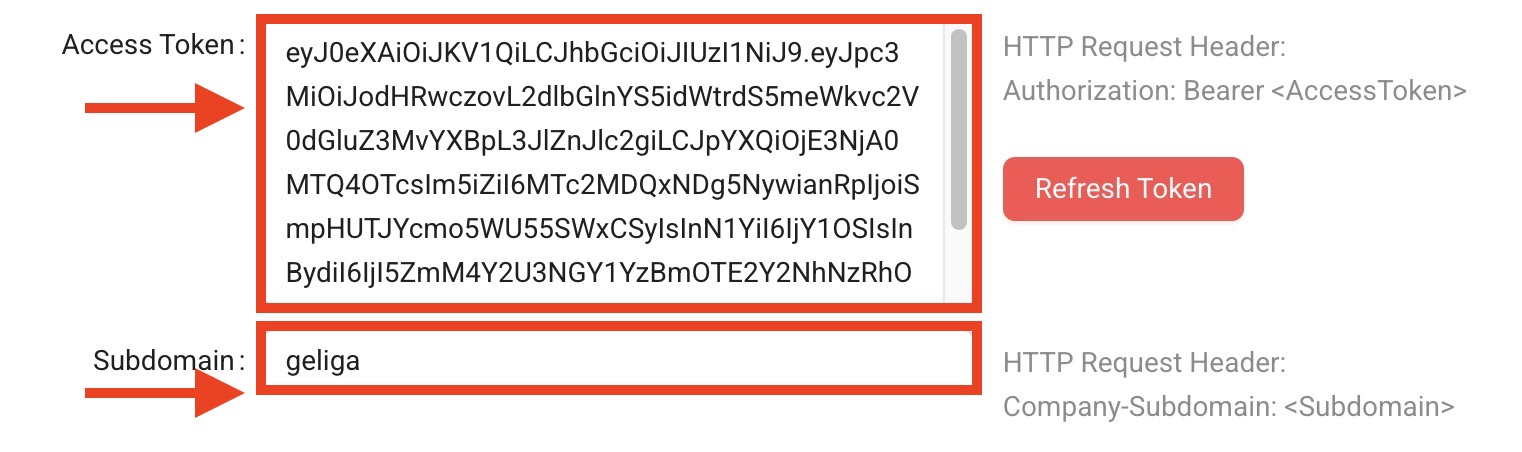
After creating a Station and before you can start uploading any bills, it is important to link the station with Bukku first. To do that you will need to get 2 things from Bukku; 1) Subdomain (imbas calls it Domain) and 2) Access Token (imbas calls it Token)
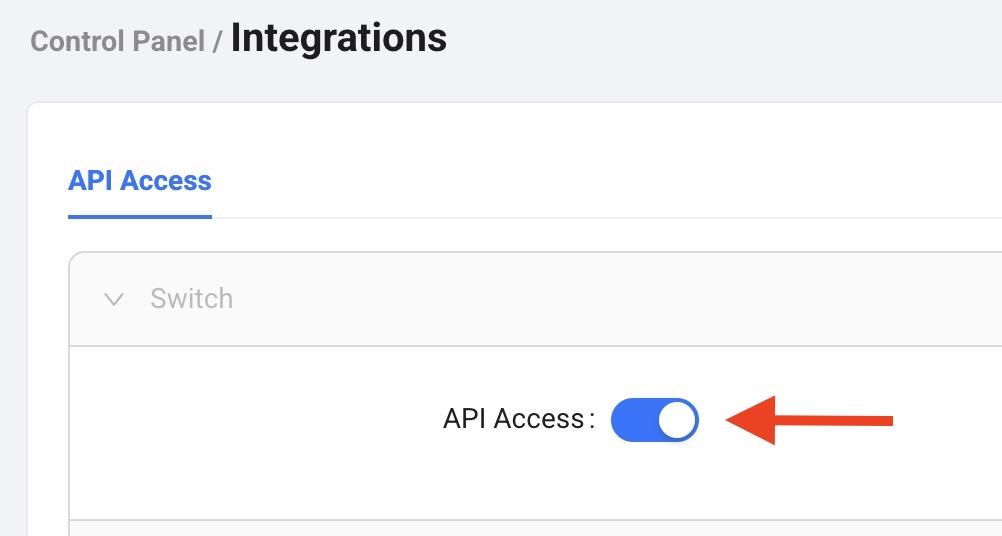
On the Station’s Bukku account, navigate to *Control Panel > Integrations *
Make sure API Access is turned ON (blue)
Copy the Access Token and Subdomain
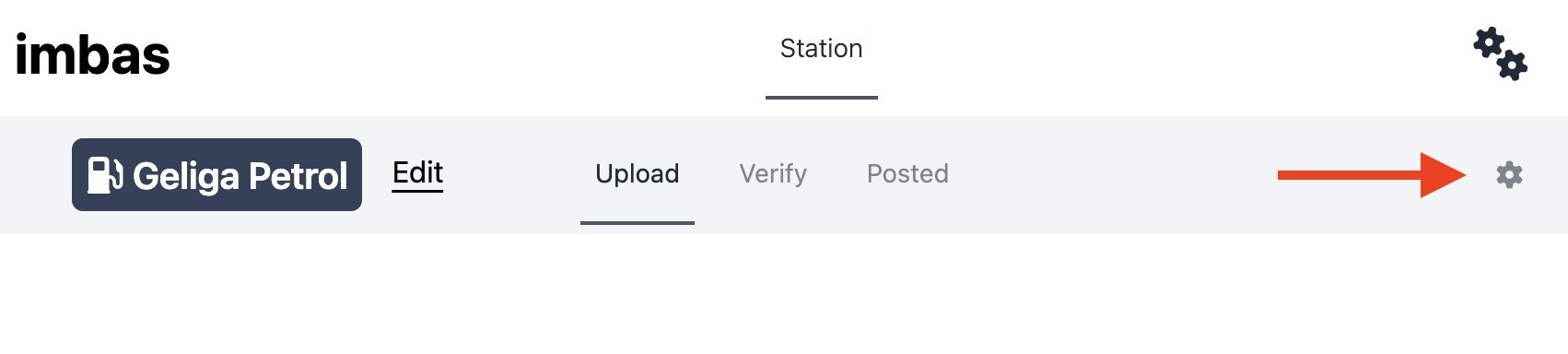
Now go to imbas and select the newly created station
Click on the Settings icon (single gear) on the right
Click on Edit
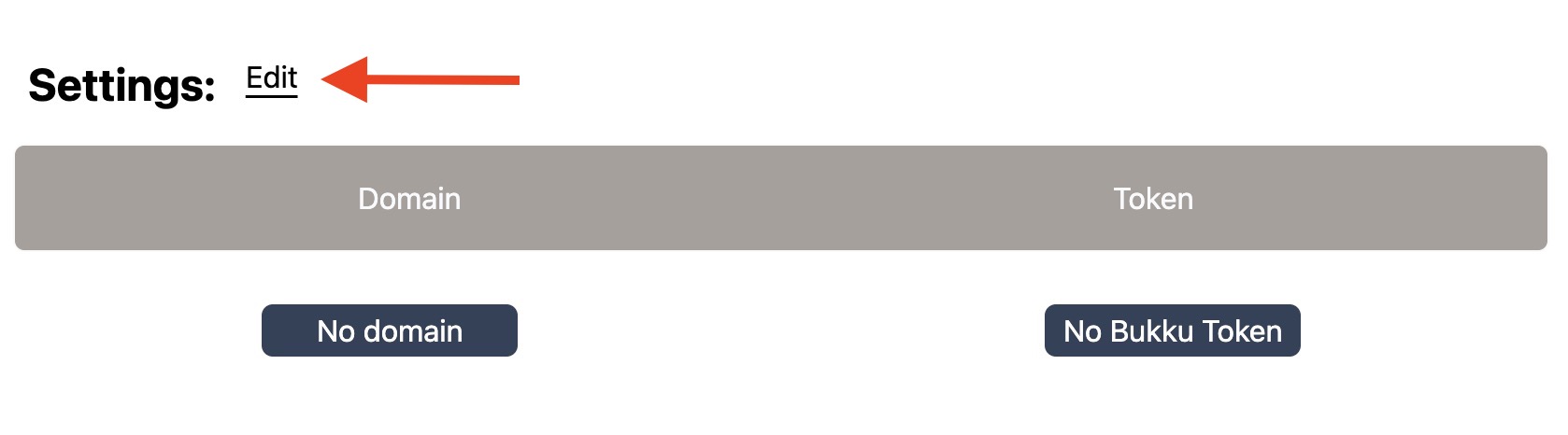
Paste the following : Access Token to Token Subdomain to Domain
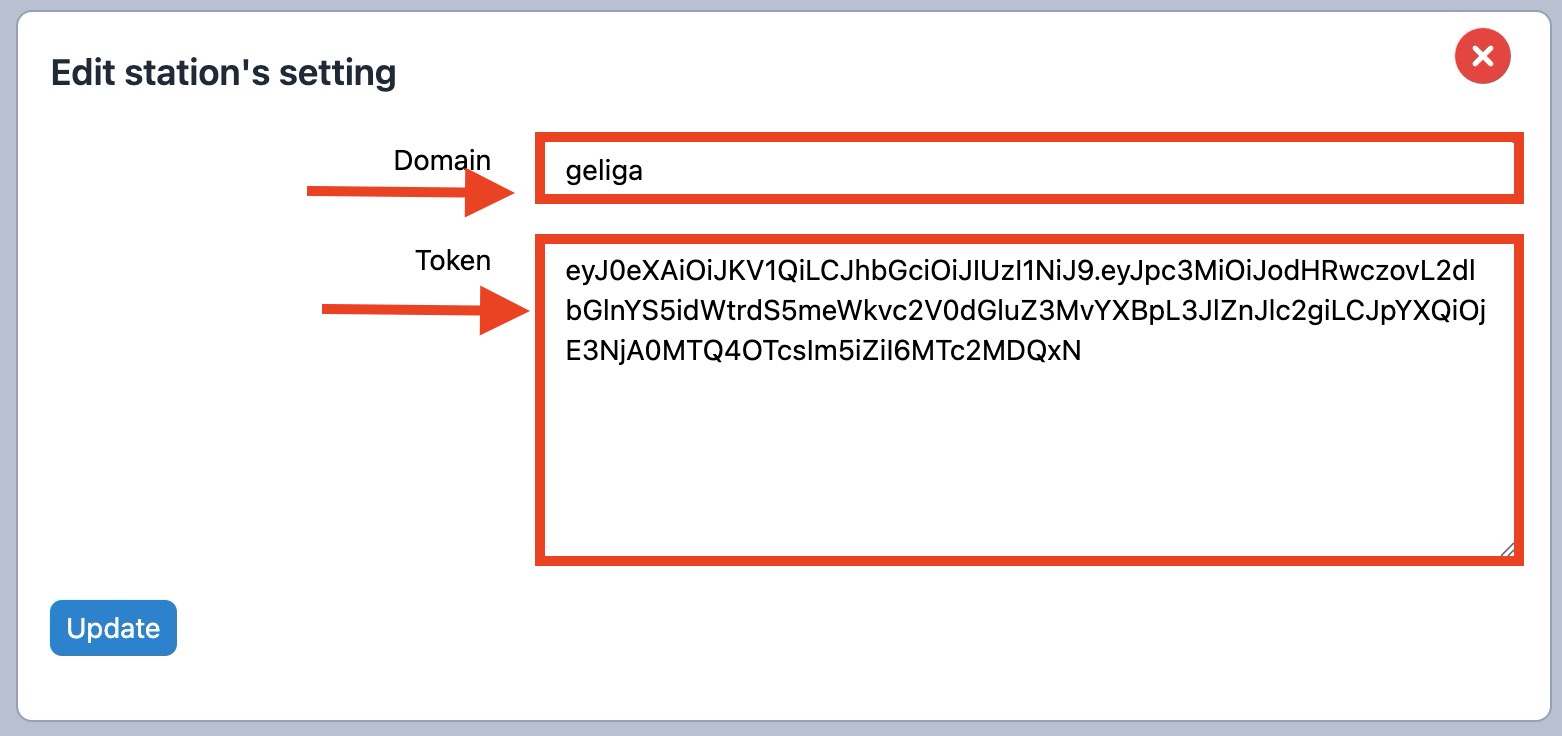
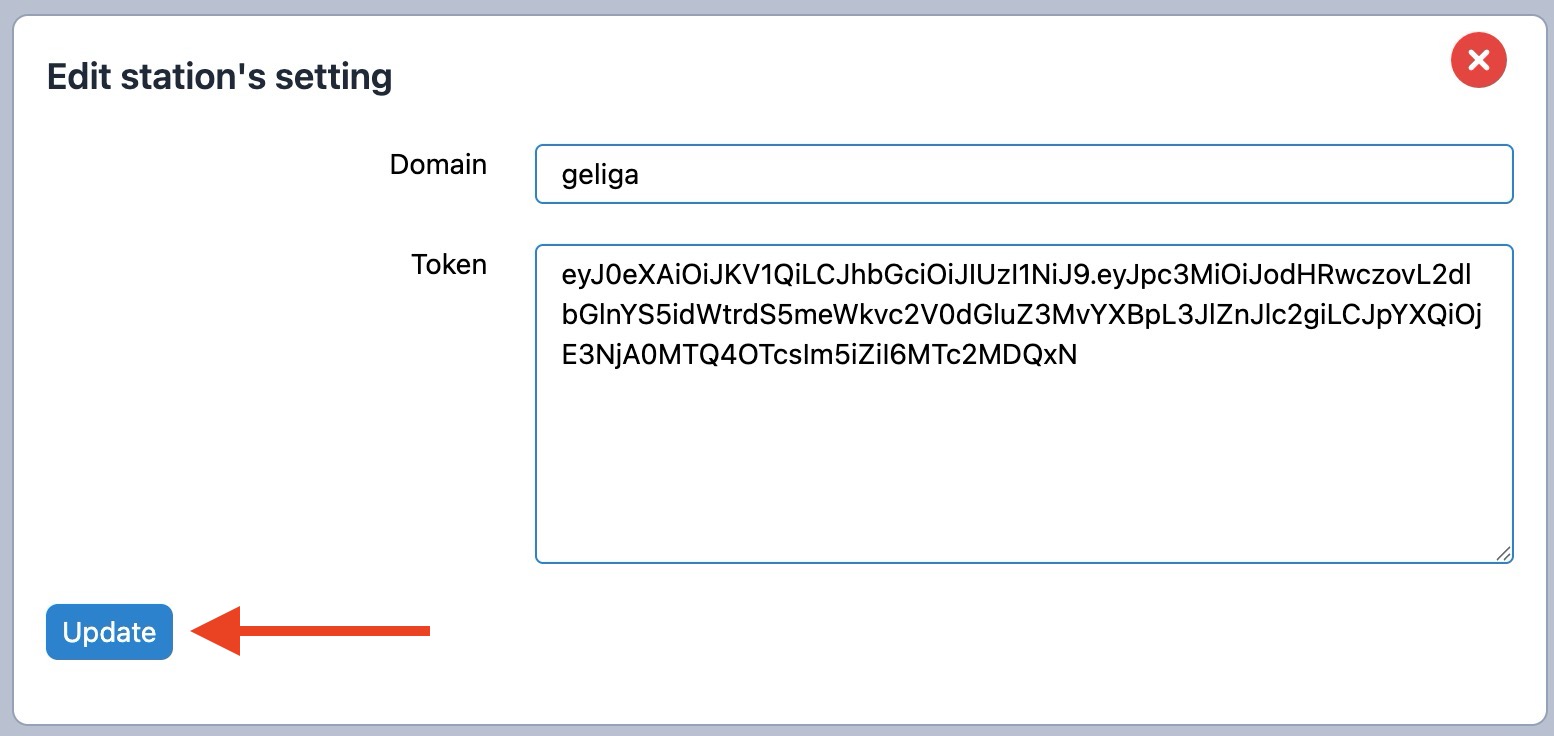
Click on "Update"
It is important to leave it alone (go get some tea or coffee) for at least 30 minutes. This is to allow imbas to fetch and save all the suppliers and accounts required for this station.
After 30 minues you can start uploading bill to imbas