Upload bill(s)
Click on Upload in the navigation bar
Click or drag (not more than 10 bills) in to the blue box area.
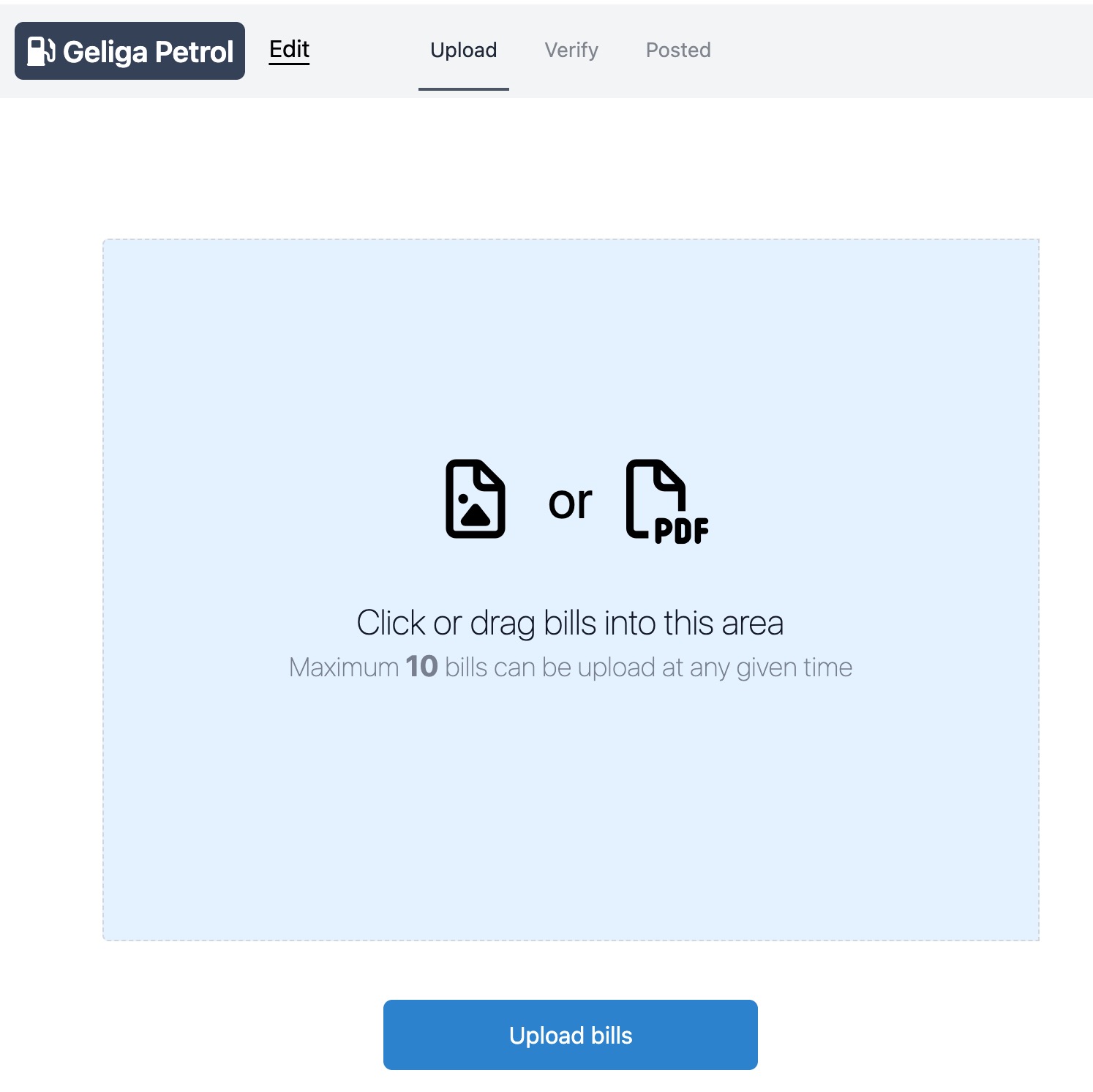
Your uploaded bills will be displayed at the bottom of the upload (light blue) box. Be sure to wait until all the green bars is full for each bill before pressing “Upload bills”.
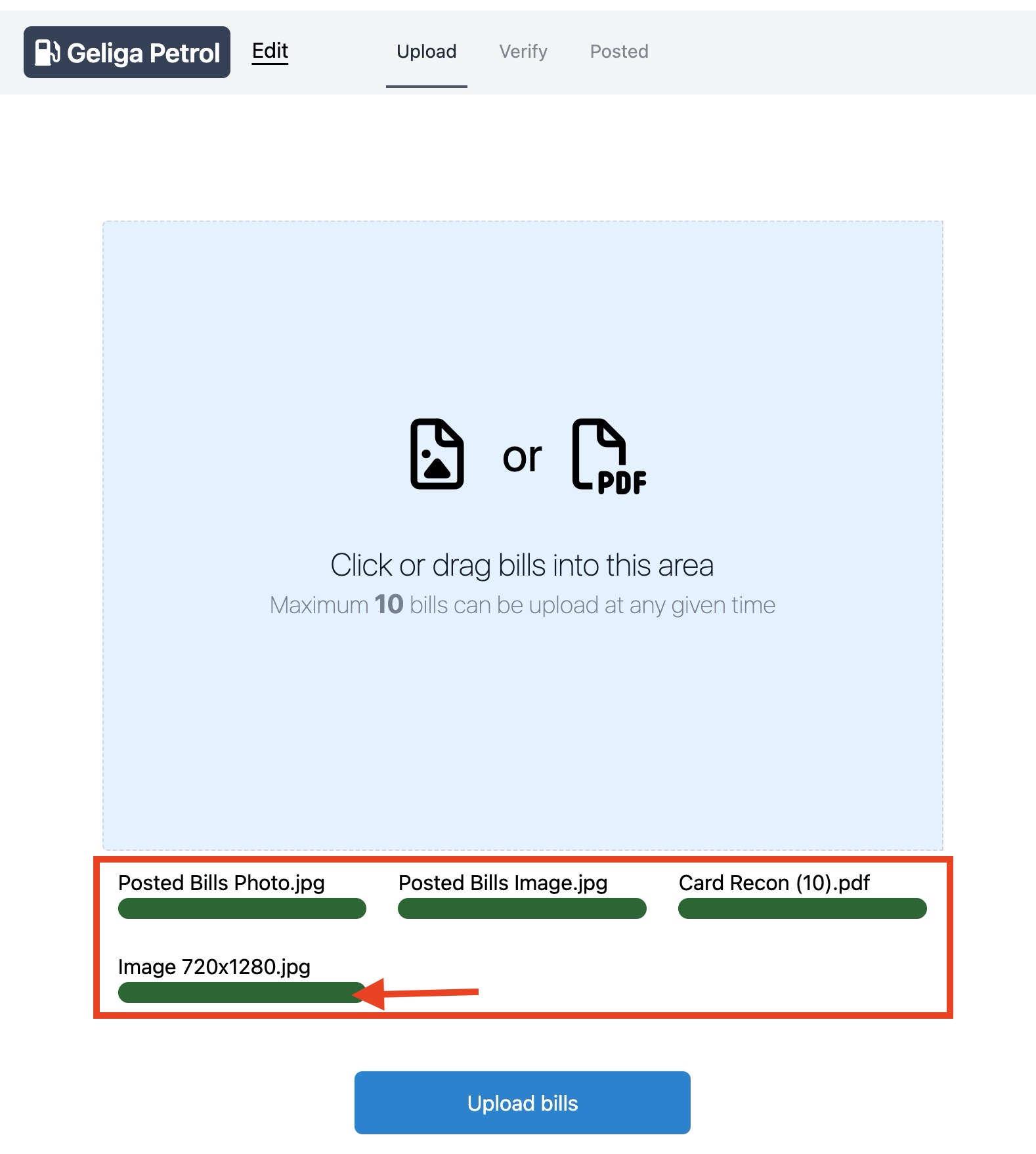
To cancel this upload, simply refresh the browser and whatever you’ve uploaded will dissaper 😁